Is Your Restaurant Billing Software IRD-Compliant? 5 Things to Check
Restronp Team · · Estimated reading time: 5 min read
Learn five simple ways to check if your restaurant billing software follows the IRD requirements in Nepal. Find out what to look for in software approval, VAT/PAN billing, invoices, sales records, and updates before choosing the right billing system.
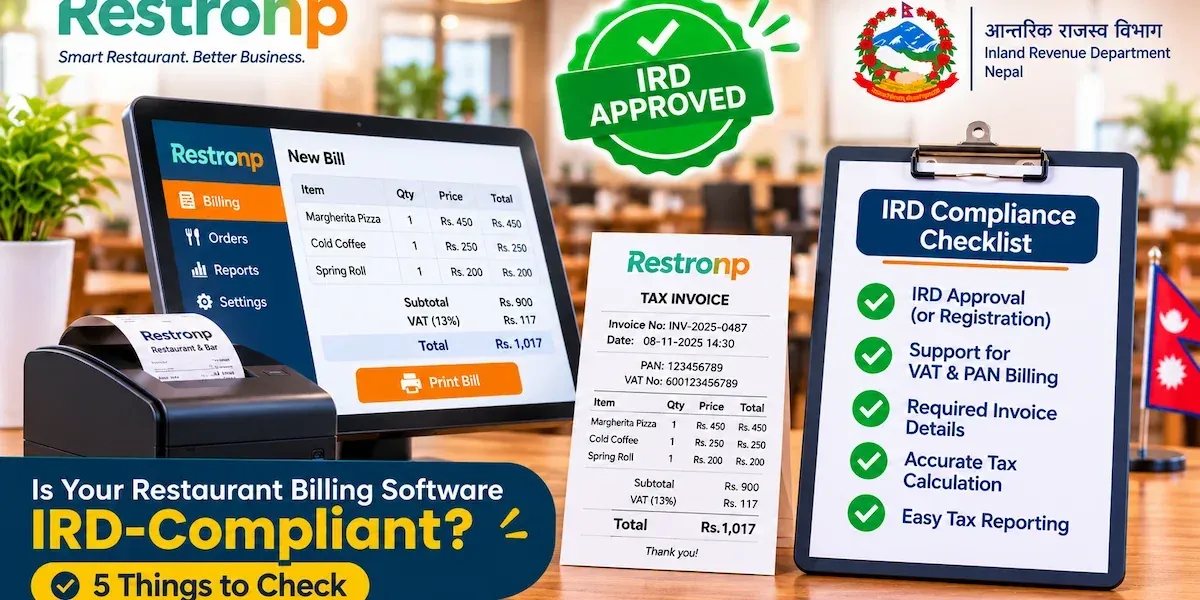
You generate customer bills from your restaurant’s billing software each day. But have you ever checked whether it meets the IRD requirements applicable to your business?
In Nepal, digital billing is catching up in the restaurant industry, and the right billing software is not simply about speed and convenience: Restaurant owners have to consider proper taxes, correct taxes and proper transactions as well.
The issue is that not all POS systems are created equal. Your software may help you to create digital bills, but it is not necessarily IRD-compliant.
So, here are five things you need to verify before you decide to switch to a new billing system or stick with the one you have.
1. Check Your Billing Software's IRD Approval
Generating bills and having the required IRD approval are not the same thing.
Your POS software might offer fast billing and useful features, but have you checked whether the software has the necessary IRD approval or registration?
Before choosing your software, check:
-
Approval: Is the exact software product approved or listed where required?
-
Documentation: Can the provider show official supporting documents?
-
Version: Does the approval cover the version you're using?
-
Requirements: Does it support the electronic billing requirements applicable to your business?
A quick tip: Instead of relying only on an "IRD-approved" label. Ask your provider for proof and verify it through the official IRD website.
2. Check VAT and PAN Billing Support
Does your billing software calculate taxes correctly for your restaurant?
Not every restaurant has the same tax registration status. Your software should support the appropriate PAN/VAT configuration for your business.
Here's what to check:
-
Can you enter your business PAN details?
-
Can you configure the applicable VAT settings?
-
Are tax amounts calculated correctly?
-
Can you access relevant tax-related reports?
Let's take an example: If your restaurant sells food worth Rs. 1,000 before applicable taxes, your software should calculate the tax according to your business's configuration.
Don't just check whether the software displays tax. Check whether it calculates it correctly.
3. Check the Details on Your Invoices
Take a look at one of your restaurant's recent bills. Does it contain all the necessary information?
A professional-looking invoice isn't necessarily a compliant one.
Check whether it includes:
-
Business name and address.
-
PAN/VAT details, where applicable.
-
Unique invoice number and date.
-
Item descriptions, quantities, and prices.
-
Applicable tax rate and amount.
-
Total invoice amount.
-
Buyer details, where required.
Try this: Open a recently generated invoice and check these details. If something is missing or incorrect, ask your software provider to review it.
4. Check Your Billing Records and Reports
Imagine your accountant asks for last month's sales records. Can you find them in a few clicks?
Your billing software should make it easy to retrieve and review previous transactions.
Check whether you can:
-
View daily sales.
-
Access previous invoices.
-
Track cash, card, and digital payments.
-
Identify cancelled or corrected bills.
-
Generate weekly and monthly reports.
-
Export records for accounting purposes.
Why does this matter? If your recorded sales don't match your actual payments, transaction records can help you find the difference.
5. Check Software Updates and Customer Support
What happens when your billing software needs an update or something stops working?
You need a provider who can help you keep the system running and respond to relevant changes.
Before choosing a provider, ask:
-
Are software updates provided regularly?
-
Are relevant IRD changes addressed?
-
Can you contact technical support when needed?
-
How quickly are issues resolved?
-
Are data backup and recovery available?
-
Is staff training provided?
Remember: Good billing software matters, but reliable support matters too.
Managing Your Restaurant Beyond Billing
Choosing the right billing software is important, but running a restaurant involves much more than generating bills.
You also need to manage inventory, keep track of sales, and handle daily operations.
That's where an integrated restaurant management system can make a difference.
Meet Restronp
Restronp brings restaurant billing, inventory management, and sales tracking together in one platform, helping restaurant owners manage their daily operations more conveniently.
Whether you run a café or a growing restaurant, having these essential tools in one place can make everyday management easier.
Explore Restronp and see how it can support your restaurant.
How to Choose the Right Restaurant Billing Software in Nepal
Now that you understand the five essential checks, how should you compare different billing software providers?
Use this checklist when evaluating your current system or considering a new one.
|
Evaluation Criteria |
What to verify |
|
IRD approval |
Relevant approval or registration documentation |
|
VAT/PAN support |
Appropriate tax configurations |
|
Invoice format |
Required invoice details |
|
Billing records |
Reliable transaction history |
|
Reporting |
Accessible sales and tax-related reports |
|
Software updates |
Maintenance and regulatory updates |
|
Technical support |
Responsive customer assistance |
Remember, software features alone do not guarantee compliance. Verify the applicable IRD requirements and supporting documentation before making your decision.
Frequently Asked Questions
1. What Is IRD-Compliant Billing Software in Nepal?
It refers to billing software that is configured and used in accordance with the applicable requirements of Nepal's Inland Revenue Department. Depending on the business, this may involve approved electronic billing systems, invoice requirements, and transaction reporting.
2. How Can I Check Whether My Billing Software Is IRD-Approved?
Ask your software provider for relevant documentation and verify the exact software product and version against applicable IRD records.
3. Is Every POS System in Nepal IRD-Compliant?
No. A POS system may offer billing, inventory, and reporting features without necessarily meeting every applicable electronic billing requirement.
4. Does Every Restaurant Need CBMS Integration?
Not necessarily. CBMS requirements depend on the applicable IRD rules, notices, and circumstances of the business. Restaurant owners should confirm their specific obligations.
5. Why Are Software Updates Important for Restaurant Billing?
Software updates help maintain system functionality, address technical issues, and respond to relevant regulatory or technical changes.
Conclusion: Make a Smarter Choice for Your Restaurant Billing
Choosing restaurant billing software is about more than comparing prices, features, and billing speed.
You should also consider whether the software supports your restaurant's applicable billing requirements, generates accurate invoices, maintains reliable transaction records, and receives proper technical support.
Before making your next software decision, remember these five essential checks:
-
IRD approval or applicable registration status.
-
VAT/PAN billing support.
-
Invoice format and required details.
-
Billing records and reporting.
-
Compliance updates and software support.
By checking these areas, you can make a more informed decision and choose a billing system that supports your restaurant's daily operations.
Looking for a Simpler Way to Manage Your Restaurant?
You've learned what to check before choosing restaurant billing software. Now, explore a platform that brings more of your daily restaurant operations together.
Try Restronp and start your free trial today!
More blogs
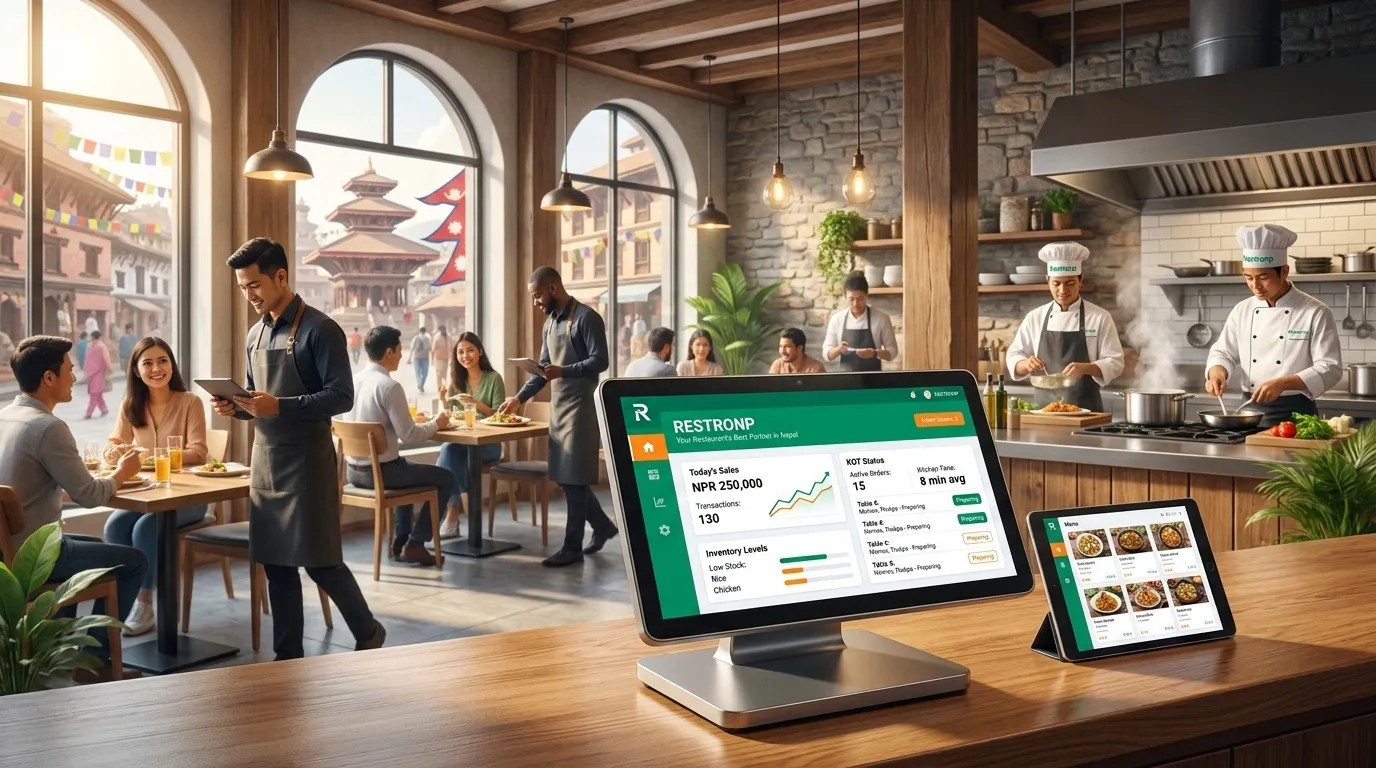
Kitchen Display System (KDS) for Restaurants in Nepal: Screens, KOT Workflow & Pass Discipline
Kitchen display system (KDS) for Nepal—digital kitchen screens aligned with KOT/BOT, ticket timing, station routing, and POS billing so chefs, expeditors, and cashiers share one live queue.
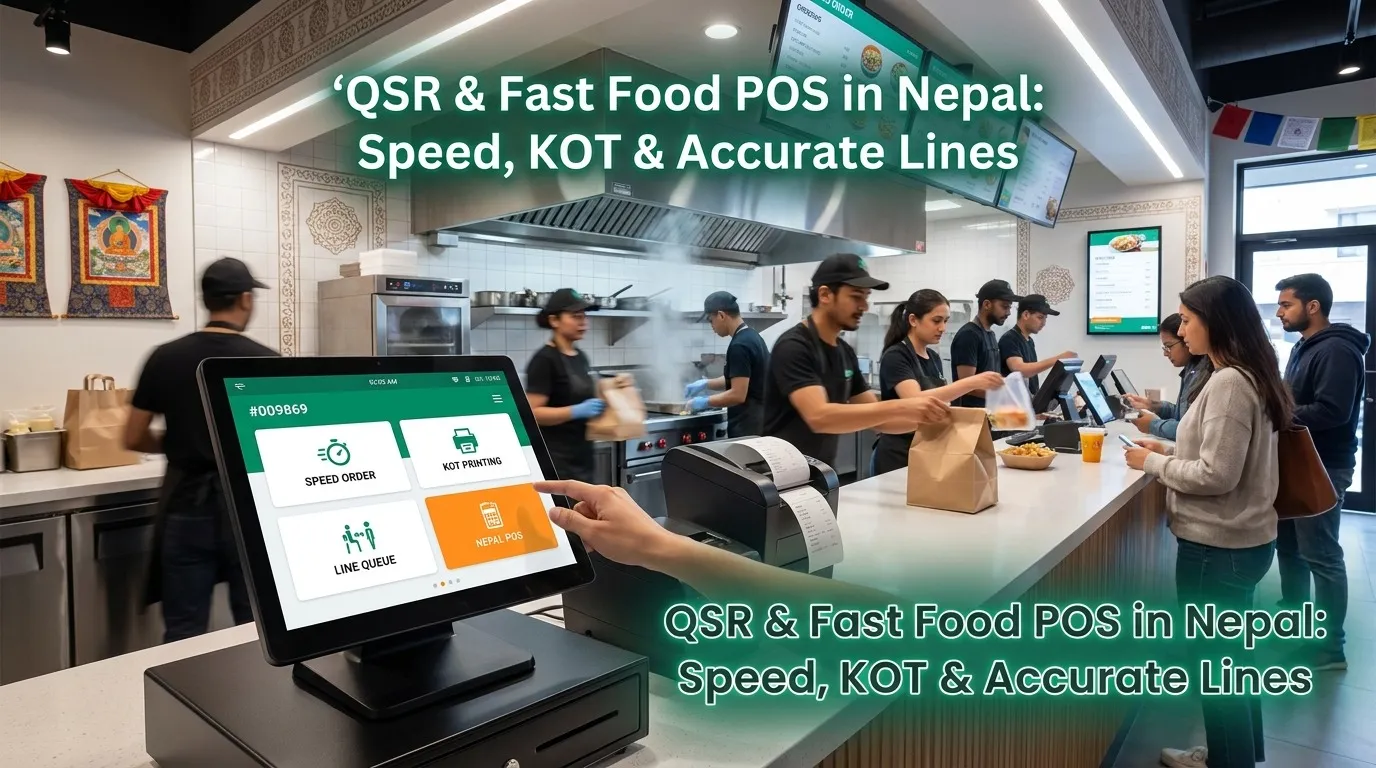
QR Code Ordering for Restaurants in Nepal: Menus, Tables & Faster Billing
Digital menu and QR code ordering for Nepal—guest-led orders synced with restaurant POS software, KOT management, mobile-friendly menus, and billing so cafes and food outlets stay fast and accurate.
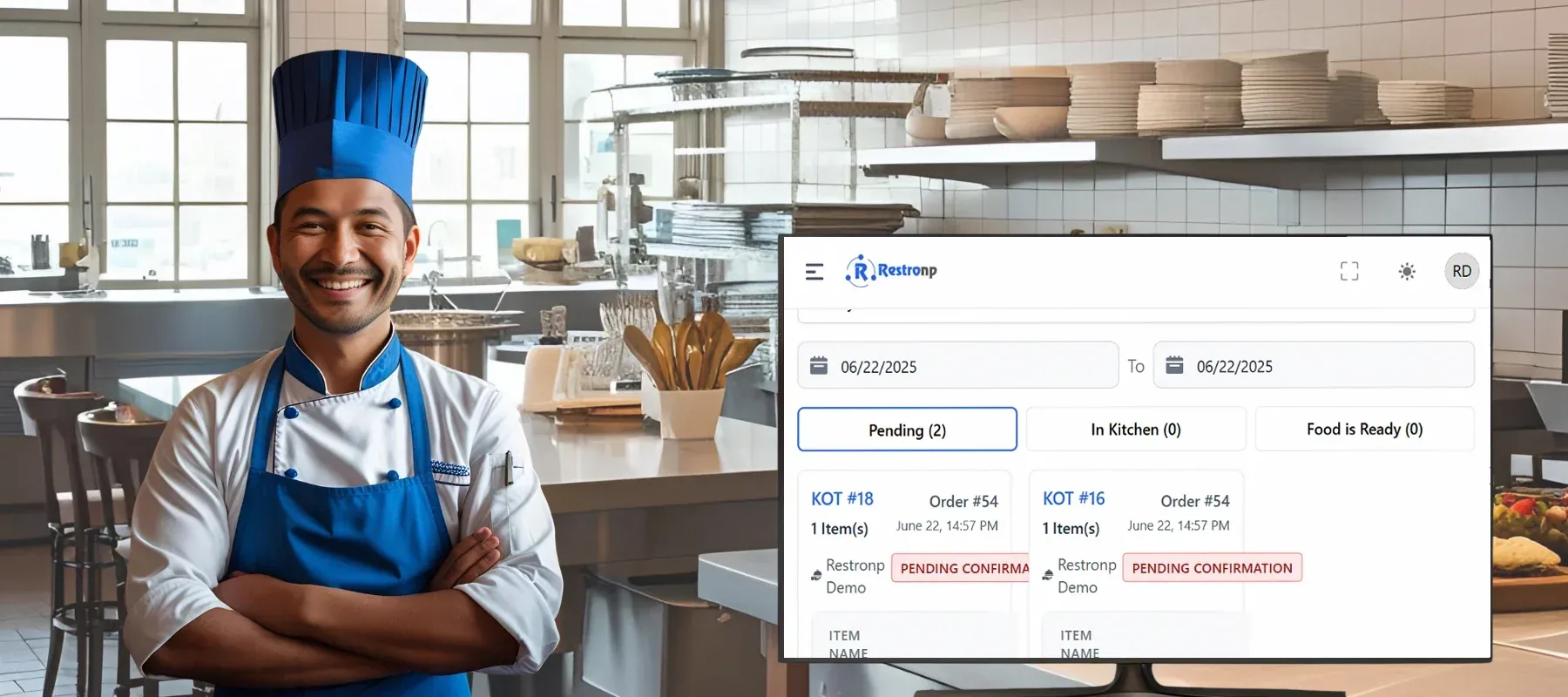
Streamlining Kitchen Operations with KOT Systems: A Game Changer for Nepali Eateries
Streamlining Kitchen Operations with KOT Systems: A Game Changer for Nepali Eateries
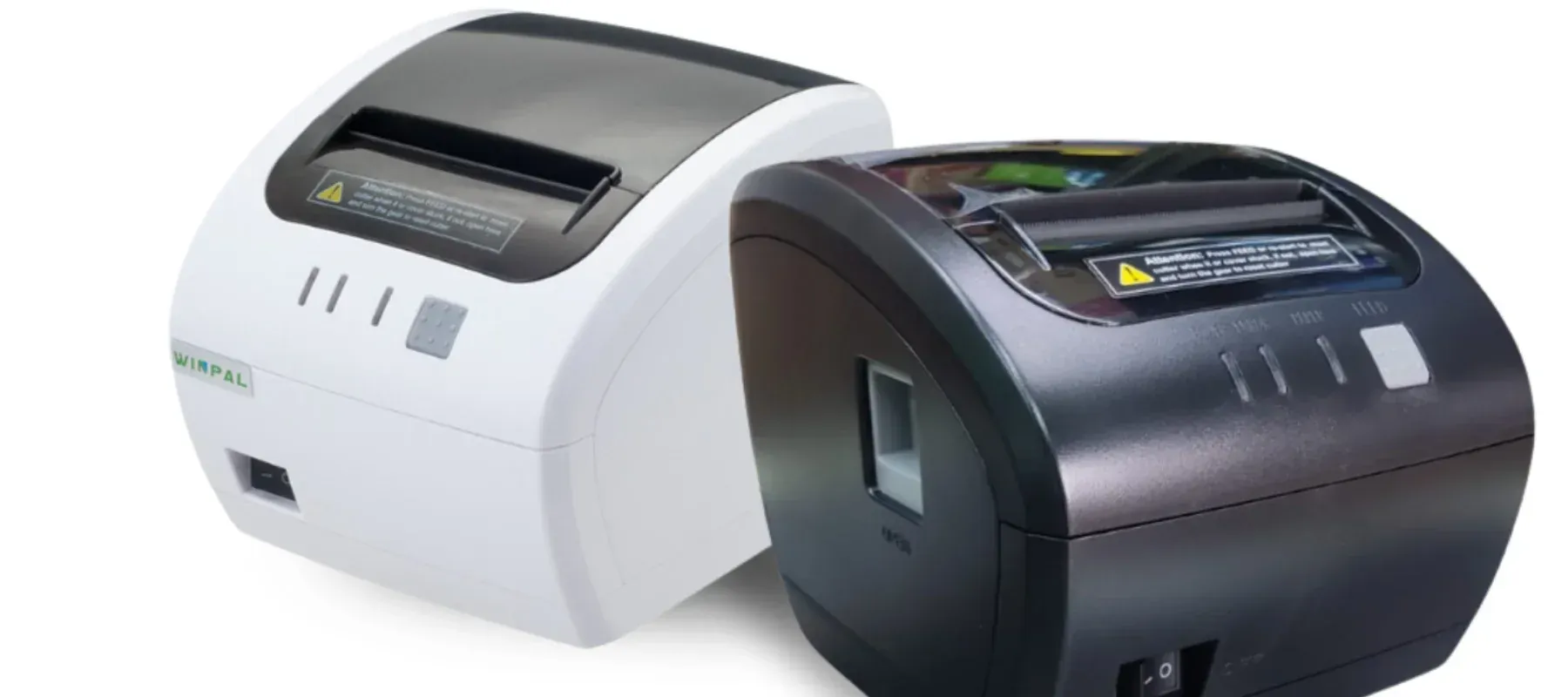
Thermal Printers in Nepal
A thermal printer is a fast, reliable printing device that uses heat to print on special paper without ink or toner. Widely used in restaurants, retail, and offices for receipts, labels, and bar codes, it is cost-effective, low-maintenance, and ideal for high-speed printing