
Restaurant POS Software in Nepal: A Unified POS for Small Cafes, QSR & Large Restaurants
Restronp Team · · Estimated reading time: 11 min read
Discover why a unified restaurant POS in Nepal works for tiny counters and large chains—fast billing, KOT, QR menus, wallets, multi-branch clarity, and the checks owners run before switching POS.
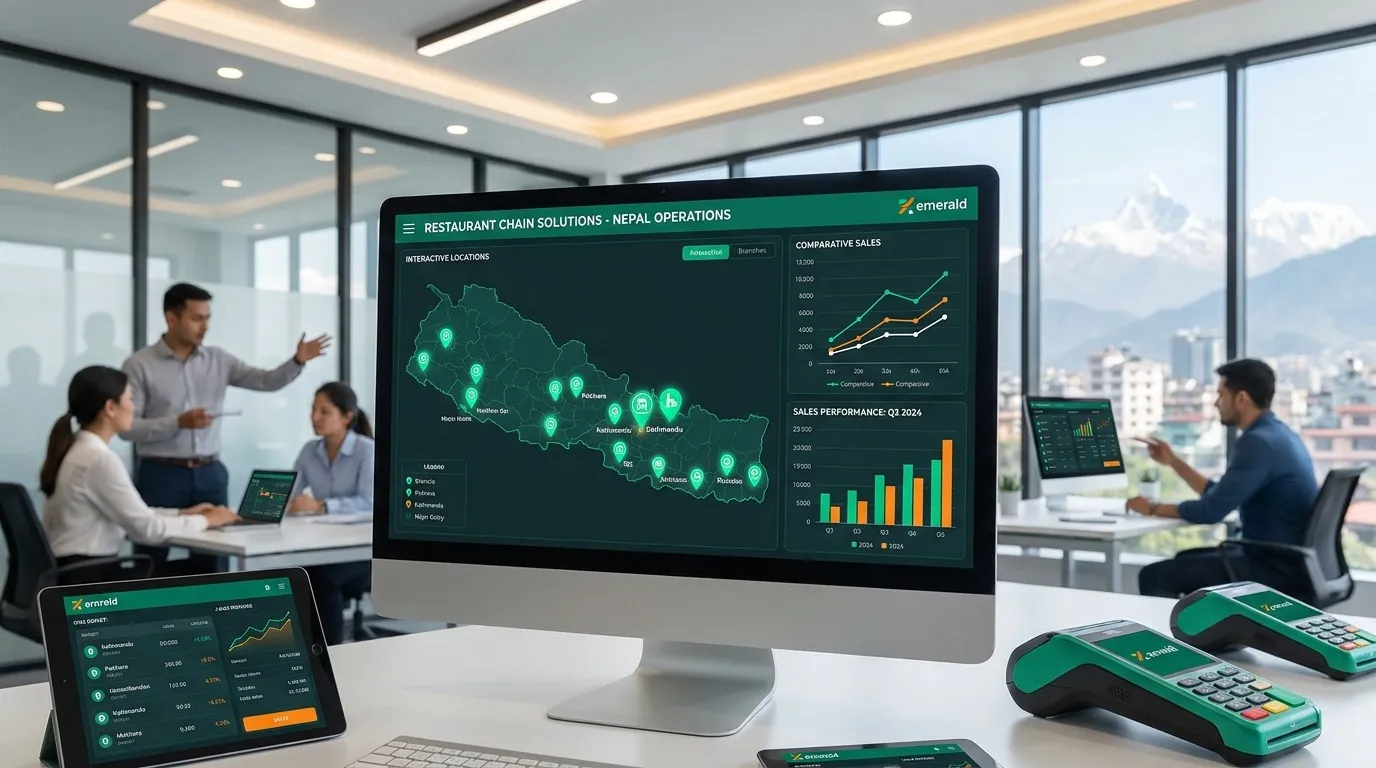
Why the “best POS” is the one your floor trusts
Search trends talk about the best POS system for restaurants in Nepal, but service teams measure reliability in smaller units: seconds per order, error-free modifiers, and receipts that match what the guest ate. A strong restaurant POS software should feel invisible during rush—especially when lunch queues stack in Lalitpur lanes or mall food courts.
Perfect POS behaviour for small venues
Small cafes and bakeries need compact workflows: quick tabs, split billing for groups, and honest happy-hour timing without reprinting menus. Hardware might be minimal—a tablet or two—so software must stay responsive on everyday devices and mobile browsers.
Scaling POS discipline for large restaurants and chains
Larger dine-ins add merged tables, banquet deposits, bar BOT pacing, and multi-register settlement. Enterprise theatre matters less than shift-safe permissions: who can void, discount, or reopen bills. For outlet comparisons, multi-branch restaurant software should keep menus aligned so brand standards do not drift between Pokhara and the valley.
One unified POS versus fragmented tools
When QR ordering, delivery tablets, and cashier POS disagree on price, guests blame the brand—not the tablet. Unified catalogues anchor trust; learn evaluation habits in how to compare restaurant POS in Nepal.
Payments Nepali guests actually use
Cash still matters, but wallets and bank-app QR payments are everyday. Your POS should record payment mode cleanly for daily reconciliation—especially when teams split bills across cash and eSewa or Khalti.
Kitchen and pass alignment
POS speed is wasted if tickets confuse the pass. Integration with KOT flows—and optional kitchen display rhythms—keeps bars and food courses coordinated.
Why Restronp
Restronp combines POS billing with menus, tables, inventory signals, QR experiences, and reporting so owners do not bolt on single-purpose apps for each problem.
Next steps
Review POS-related features, scan the FAQ, or book a Restronp demo with your menu and peak-hour sample.
More blogs
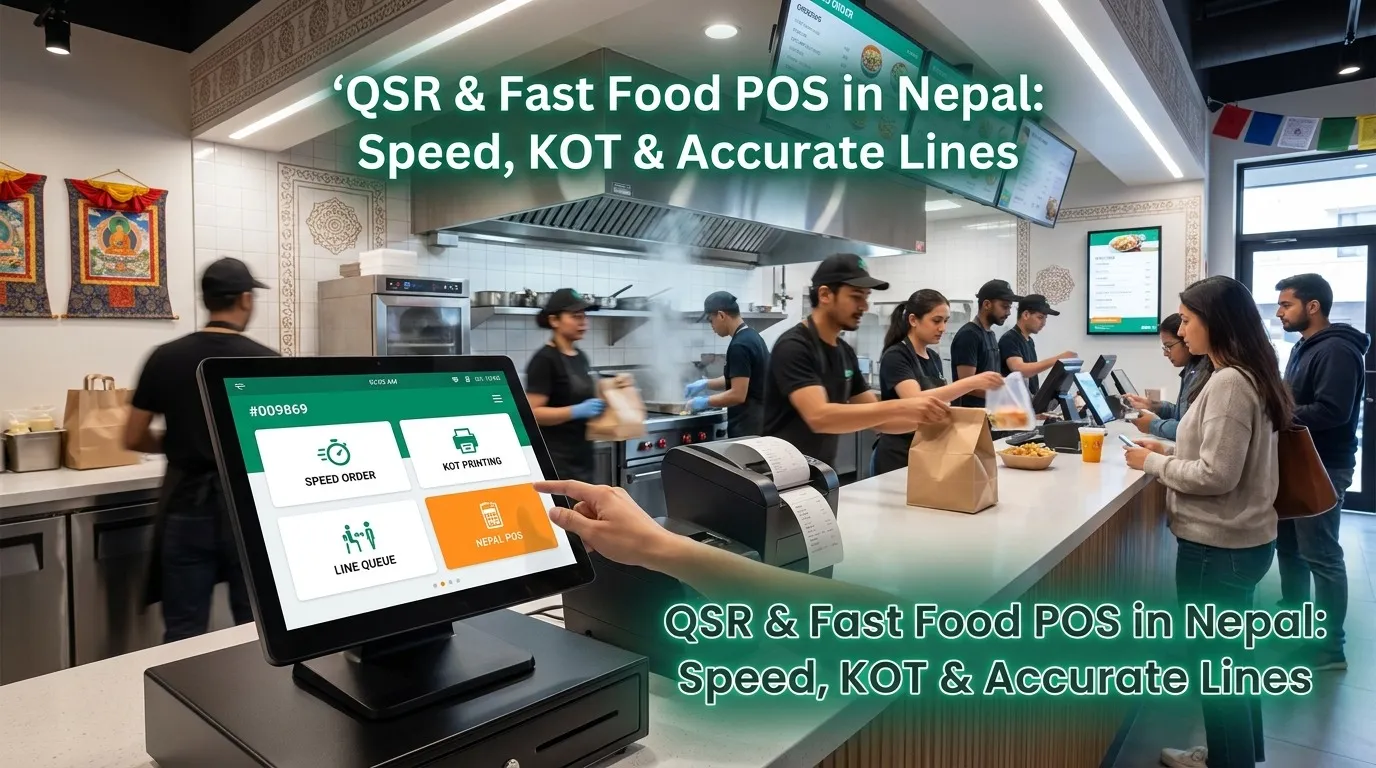
QSR & Fast Food POS in Nepal: Speed, KOT & Accurate Lines
Restronp guide: QSR & fast food Nepal—real-time order management Nepal, kitchen order ticket tracking Nepal, fast billing restaurant Nepal, cashier POS home delivery Nepal, POS order entry Nepal, combo logic & KOT.
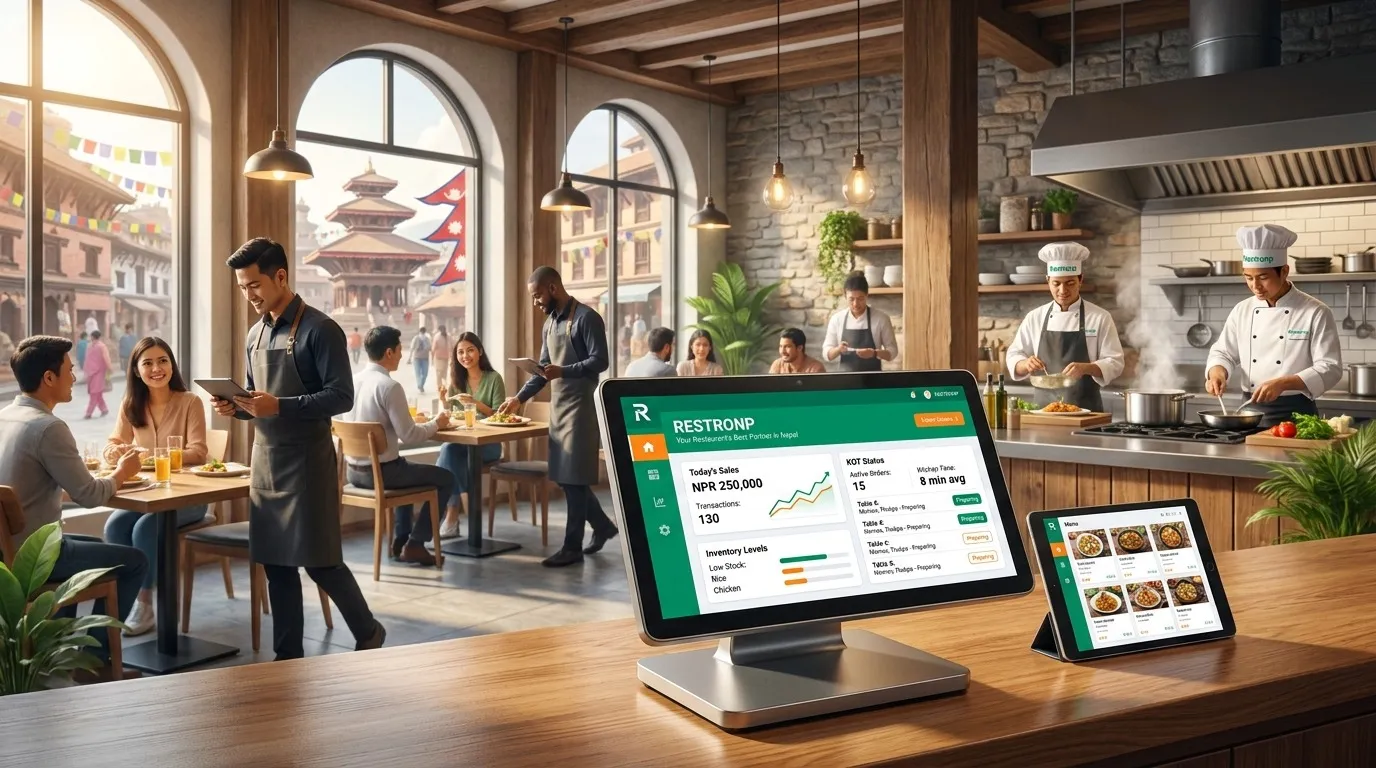
Easy Menu & Table Management System for Restaurants in Nepal
Menu and table management for Nepal restaurants—single source of truth for items, combos, NPR pricing, floor layouts, and QR table codes linked to POS and KOT.
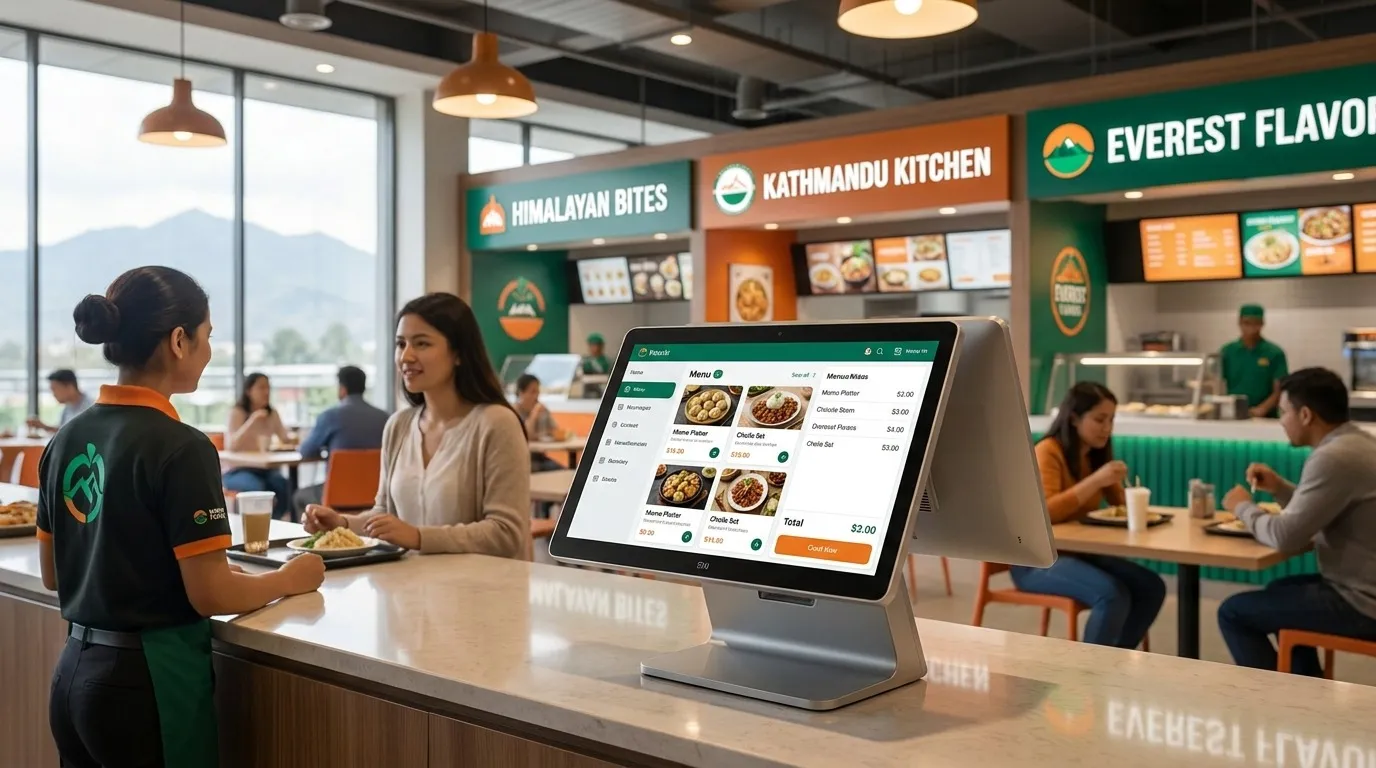
Food Court POS in Nepal: Multi-Vendor Floors & Shared Discipline
Restronp guide: food court Nepal—multi-branch restaurant software Nepal free tier fit, restaurant POS software Nepal per stall, kitchen display system Nepal / KOT clarity, digital wallet POS Nepal reconciliation.
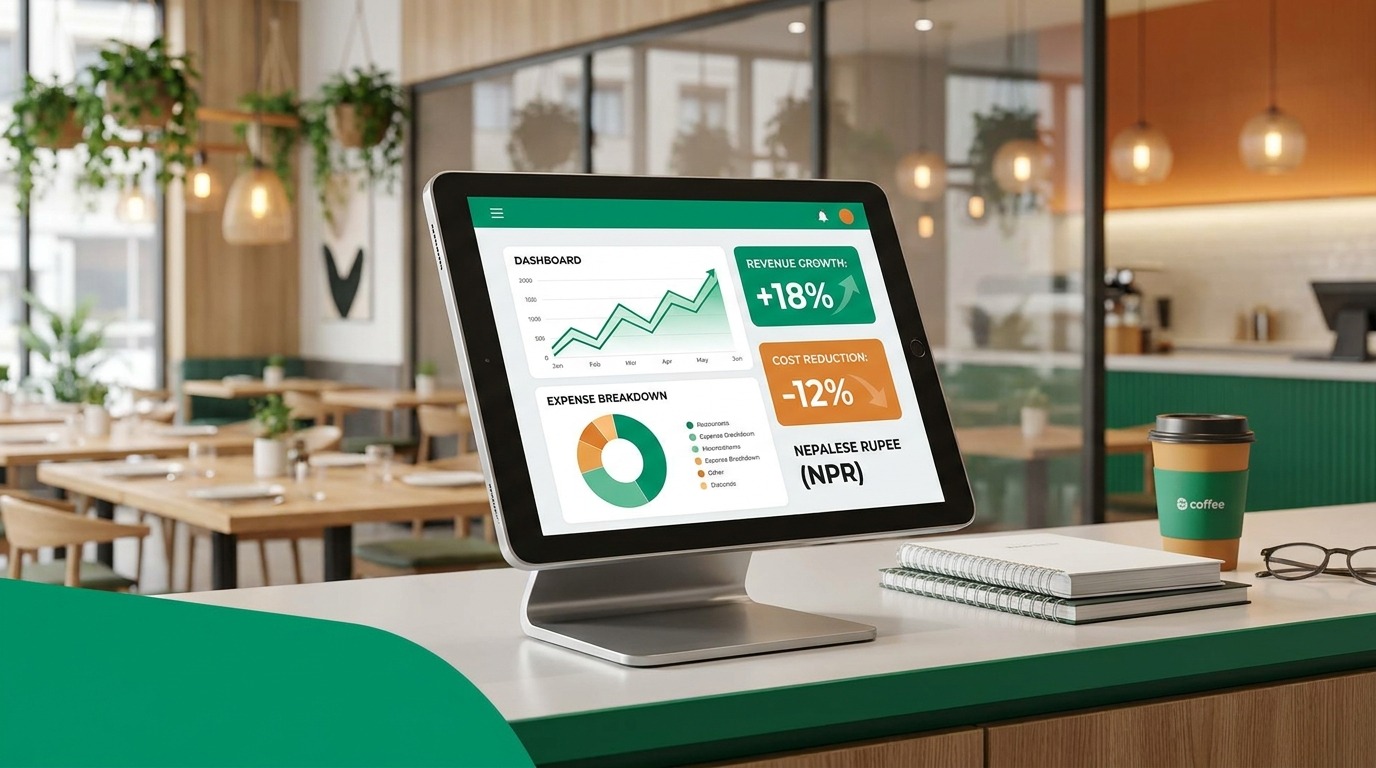
Simple Accounting & Expense Management for Nepali Restaurants
Practical accounting and expense management for Nepal restaurants—daily cash discipline, VAT-aware billing, purchase logs, and lighter month-end work with your CA.